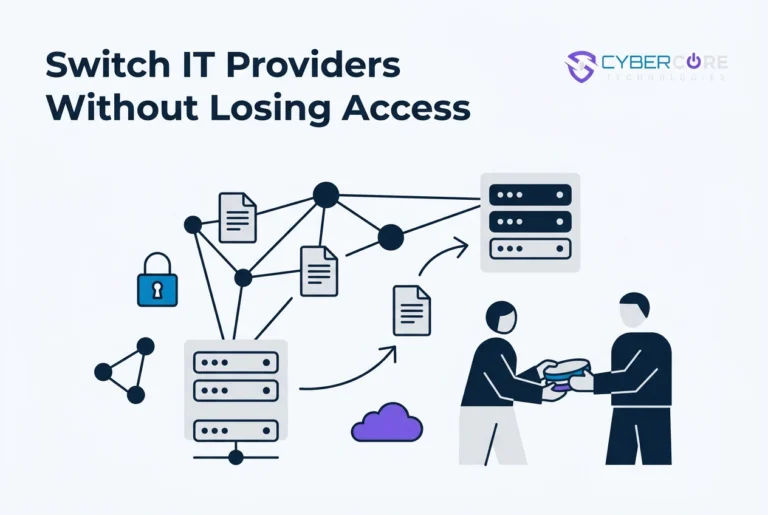


If your current IT provider holds the keys to your domain, email, and admin accounts, switching can feel less like a planned project and more like a negotiation. It does not have to. A managed IT services provider should manage your systems on your behalf, not control the access you need to run your business. If you are unsure who owns your domain registration, who can reset admin credentials, or what happens to your email and phone numbers after a contract ends, this tutorial will help you ask better questions before you sign.
You will learn why a provider switch can go wrong, the questions to settle before signing, who holds your domain, admin credentials, and cloud accounts, how email, phone numbers, and documentation hand over, how backup and asset access works, how to build a phased transition tied to your service agreement, and the red flags that mean you may not get your accounts back. You will also learn what to do next. At CyberCore Technologies, we believe a provider change should be a documented handover of credentials and systems, with your business in control. If you are planning a switch, we are here to help.
Why a Provider Switch Can Turn Into a Hostage Situation
The invoice is the small problem. The real exposure is access. If your outgoing provider holds your domain, top-level admin credentials, or backup console, your business runs on their permission. Mail stops, file shares go dark, calls stop routing, and your team sits idle while you argue over a contract clause.
That risk starts at signing, in an agreement that never names who owns the domain, accounts, licenses, or data.
A clean handover is a documented exchange of credentials, documentation, and systems, run to a schedule with a paper trail.
Choosing a managed IT services provider is a long relationship. Ending it on documented terms should never require a negotiation.
Managed IT Service Provider Questions to Settle Before You Sign
Settle these points in writing before you sign.
Domain ownership: name the registered owner and confirm an email your organization controls sits on the account. Under ICANN’s transfer policy, the listed Administrative Contact and Registered Name Holder hold approval authority, with the Registered Name Holder taking precedence.
Admin roles: name who holds top access on email, file, identity platforms, and how it transfers at exit. Check what your provider’s cybersecurity credentials mean.
Notice period: days required, written form, and start date (send or month end).
Exit assistance: what offboarding includes (mailbox exports, documentation, phone transfer) and if billed separately.
Data ownership: the agreement must state your data, records, and accounts belong to you and return in a usable format.
Who Holds Your Domain, Admin Credentials, and Cloud Accounts
Domain registration: confirm the registrar login and renewal payment method are yours. Provider-paid renewals turn a billing dispute into an outage.
Admin access: top-level access on your email and file platforms lets someone create, delete, or lock accounts. Ask who holds it now.
Multi-factor authentication: if the second factor is a phone in the provider’s office, you do not control your own admin account.
Security licenses: ask which monitoring, endpoint, and email licenses are in your name and which sit under a reseller account; resold licenses vanish with the relationship.
Timing: ICANN policy applies a 60-day transfer lock after a change of registrant, so plan domain moves early.
Keep your cloud tools, managed and secured under accounts you own.
Email, Phone Numbers, and Documentation Handover
Plan email, phone number, and record handovers. List mailboxes, aliases, distribution lists, shared calendars, and archives. Confirm who exports them and the format.
Authentication records proving your messages come from your domain must move with it. Mistakes can get legitimate mail rejected or diverted.
Confirm phone numbers sit in an account your organization owns. Porting needs the account of record, an authorized contact, and recent billing detail, so collect those before the switch.
The inventory of servers, network gear, software, logins, and settings belongs to you, not private provider notes. Under HIPAA, PCI DSS, or the FTC Safeguards Rule, access and production of records is part of your obligations. Ask your counsel how a switch affects compliance.
Backup Access and Asset Handover
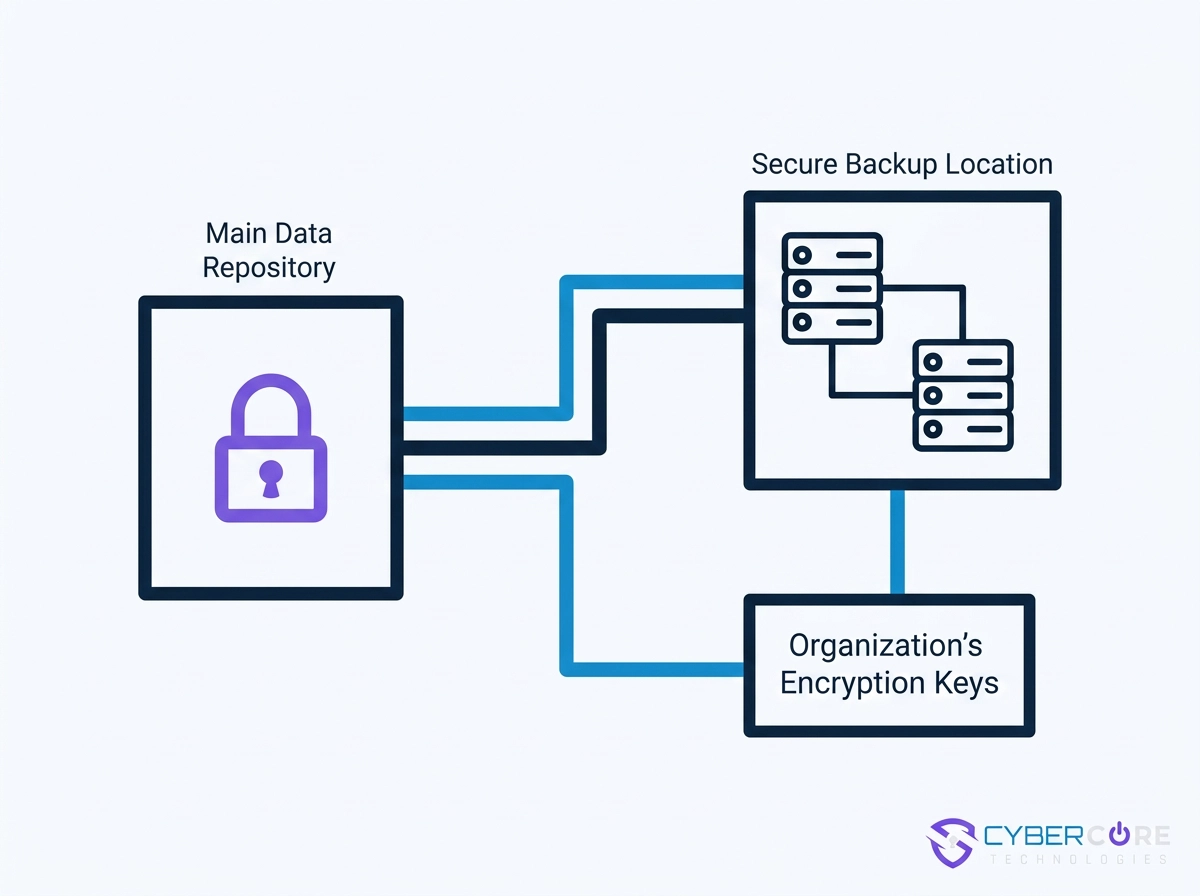
Documentation will not recover your business. Ask where backups live and whose account holds them. Access through a provider’s portal is access you do not have. Confirm the encryption keys belong to your organization and can leave with you. Request a recent test restore; a backup you have never restored is a hope, not a recovery plan. Understand retention: how far back copies go, whether older versions export, and how long they stay available during and after a transition. Inventory hardware, network devices, and licensed software. Note what your organization purchased, and agree in writing before the switch on what stays with whom. Our Backup and Recovery Questions guide can help you prepare.
A Phased Transition Plan Tied to Your Service Agreement
With assets agreed, schedule the work.
Phase one, notice. Send written notice per your agreement, confirm the date, and request the exit checklist in writing.
Phase two, discovery. Inventory assets and accounts, confirm ownership, and document what moves. CyberCore Technologies records it in its client portal, not the provider’s notes.
Phase three, access transfer. Reassign admin roles under your organization’s name, rebuild multi-factor authentication on your own devices, and share the schedule.
Phase four, cutover. Move email, phones, monitoring, backups, and endpoint detection and response in sequence, then verify with a test restore before retiring anything.
Phase five, decommission. Remove the outgoing provider’s access once everything verifies, and record each change.
Usually monthly, but your agreement sets the order.
Red Flags That Mean You Will Not Get Your Accounts Back
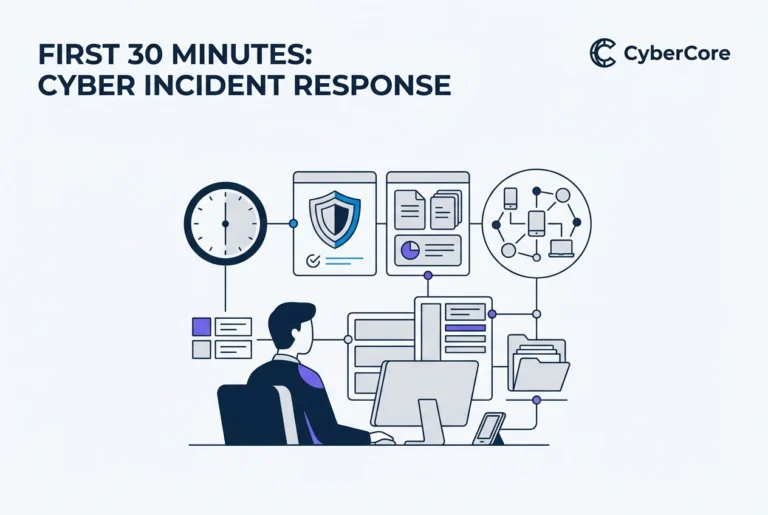
Once the transition begins, a provider listed as your domain’s registered owner or admin contact who answers change requests vaguely is a warning. So is admin access in shared or generic accounts rather than your organization’s name. Documentation called proprietary or held until payment turns your operating manual into leverage. Backups reachable through their portal, with no export path or proof the keys are yours, are not yours. Watch for a contract with no exit clause, a long notice period, or surprise offboarding fees, plus phone numbers in the provider’s account of record, renewals on the provider’s card, and refusals to answer ownership questions in writing. If an incident hits mid-transition, our first 30 minutes after a cyberattack guide helps.
What to Do Next
If those signs sound familiar, act before renewal. Settle ownership before you sign: domain, admin roles, licenses, phone numbers, backups, and data, each named in writing. Know your notice period and exactly what exit assistance your service agreement includes, so offboarding never starts from zero.
During handover, insist on credentials, documentation, and a test restore before the outgoing provider’s access is removed. Already stuck? Ask in writing. A documented request changes the tone and gives you a paper trail.
Want a second opinion on what your current agreement leaves you holding? CyberCore Technologies works with small and mid-sized organizations across the Des Moines metro and central Iowa. Reach out when it is useful.
Conclusion
Switching managed IT providers does not have to mean losing control. Settle ownership before you sign: domains, admin credentials, cloud accounts, phone numbers, backups, and documentation should all be named in writing. Know your notice period and what exit assistance your service agreement includes. During handover, require credentials, documentation, and a test restore before the outgoing provider’s access is removed. If you see red flags, ask in writing and build a paper trail.
Your next step is simple: review your current agreement and document exactly what you own. If you want a second opinion on what your agreement leaves you holding, CyberCore Technologies works with small and mid-sized organizations across the Des Moines metro and central Iowa. Reach out when it is useful. You can make your next transition calmer, clearer, and fully under your control.