

Most small businesses assume their antivirus software is keeping them protected. It’s a reasonable assumption, and it’s also one attackers are counting on.
Modern attacks are built to slip past traditional antivirus. When that happens, the software your business has trusted for years won’t raise an alarm, won’t stop anything, and won’t know anything went wrong. This post explains what antivirus actually does, where it stops, what endpoint detection and response (EDR) adds, and why the right model for most small businesses is EDR with a security team watching it around the clock.

What Antivirus Actually Does (and Where It Stops)
Traditional antivirus relies on signature-based detection. It keeps a database of known malicious files and scans your system for matches. If something matches, it gets blocked. If nothing matches, nothing happens.
That works against known, catalogued threats. The problem is everything else. A threat has to be discovered, analyzed, and added to the database before antivirus can recognize it, and attackers deliberately work inside that gap. Three techniques show how:
- Zero-day exploits target weaknesses that haven’t been patched yet, so no signature exists.
- Polymorphic malware changes its own code as it spreads, so it never matches a known file.
- Living-off-the-land attacks use tools already built into your computer to carry out malicious commands, so there’s often no malicious file to scan at all.
There’s also a visibility problem. Antivirus generally doesn’t track what a program does after it starts. A file can pass a scan, run, and begin stealing passwords or encrypting data without triggering an alert.
What Endpoint Detection and Response Is
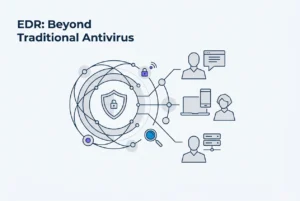
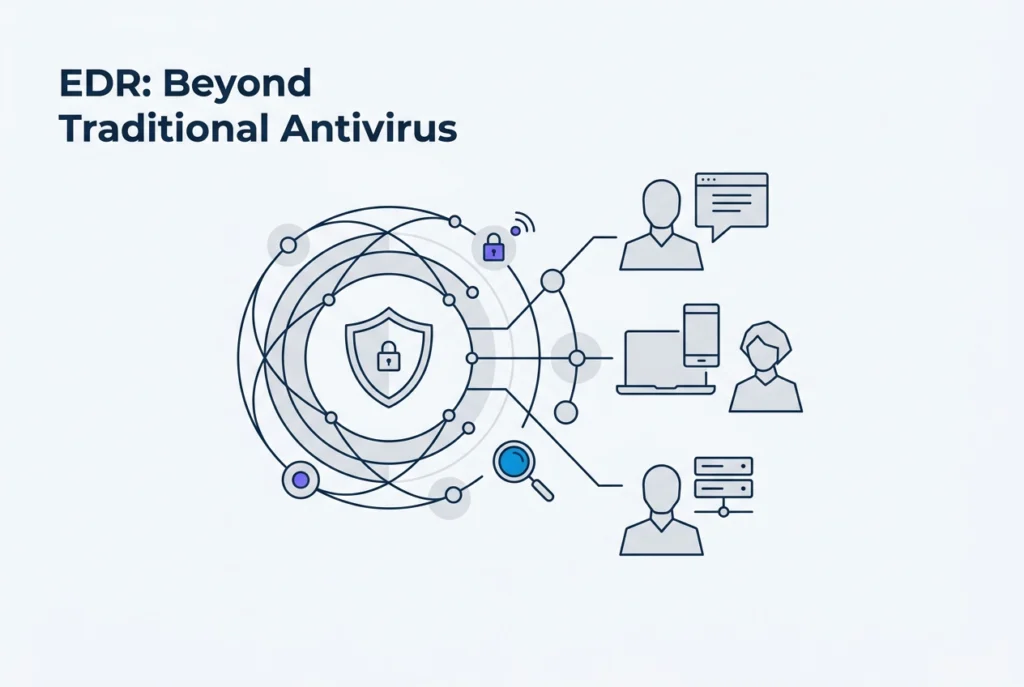
EDR takes a different approach. Instead of asking whether a file matches a known threat, it continuously watches what’s happening on every laptop, desktop, and server: which programs are running, what they launch, which files change, and what network connections they make.
Over time, EDR learns what normal activity looks like on each device and flags behavior that looks like an attack, even if that exact attack has never been seen before. That shift from matching files to analyzing behavior is what closes the gap antivirus leaves open.
EDR can also respond. When a threat is confirmed, it can isolate the affected device from the network, stop malicious processes, and record a detailed timeline of what happened. That record helps a security team understand how an attacker got in and how far they got.
Today’s EDR platforms also include traditional signature scanning, so EDR replaces antivirus rather than sitting on top of it. You’re not paying for two tools.
The Attack Antivirus Misses and EDR Catches
Here’s what this looks like in practice.
An employee at a small accounting firm opens what looks like a routine invoice and enables macros in the attached Microsoft Word document. That macro quietly launches PowerShell, a legitimate tool built into Windows. PowerShell downloads malicious code straight into memory without saving a file to disk. Antivirus has nothing to scan, so from its perspective, nothing happened.
The attacker now has a foothold. They begin collecting passwords and moving toward the file server that holds client tax records, using the same built-in tools a network administrator might use.
EDR sees the whole chain. A Word document launching PowerShell is unusual. PowerShell reaching out to an unfamiliar address on the internet is unusual. An attempt to move from one computer to the file server is unusual. Each of those behaviors raises an alert, and the device can be isolated before the attacker reaches the data. Attacks like this are well documented, and many start with a phishing email.
Why EDR Matters for Regulated Businesses
For healthcare practices, law firms, accounting firms, and other organizations with regulatory obligations, the question after an incident isn’t only what happened. It’s whether reasonable safeguards were in place to detect and respond to it.
The HIPAA Security Rule requires technical safeguards for electronic health information, including audit controls. The FTC Safeguards Rule requires covered financial businesses to maintain a written information security program with safeguards that are monitored and tested. PCI DSS includes requirements for protecting systems against malware. HHS has also proposed updates to the HIPAA Security Rule that would place more emphasis on monitoring and incident response.
Signature-only antivirus produces little evidence that you could detect and respond to an attack. EDR creates activity records and incident timelines that help show your organization took security seriously. Your attorney or compliance advisor can confirm exactly what applies to your situation.
What If You Don’t Have Security Staff?
A common and fair question from small business owners: if no one on staff can watch alerts, what’s the point of a tool that generates them?
EDR on its own does provide more visibility than antivirus, but it only reaches its full value when someone qualified is watching and able to act. That’s why managed EDR, where a provider’s security team monitors your devices, is the model that works for small organizations.
At CyberCore, managed EDR with 24/7 monitoring and response is included in every service plan. A security operations team watches alerts around the clock and takes immediate action on active threats, such as isolating an affected device. Lower-severity alerts that don’t need emergency action are reviewed by the CyberCore team during the business day. Your staff doesn’t need to interpret technical alerts or decide what’s serious. That responsibility sits with the security team.
Moving From Antivirus to EDR
Switching is far less disruptive than most people expect. A managed transition typically installs the EDR agent alongside your existing antivirus, lets EDR learn what normal activity looks like in your environment, and then removes the old antivirus once everything is confirmed to be working.
For your staff, day-to-day work doesn’t change. The EDR agent runs quietly in the background. What changes is how much is being watched and who’s watching it.
Closing the Gap
Antivirus was built for a different era of threats. EDR was built for this one. Signature scanning misses many modern attacks, behavioral monitoring closes that gap, regulated organizations increasingly need evidence of detection and response, and managed EDR puts that protection within reach without an internal security team.
If your endpoints are currently protected only by antivirus with no one monitoring them, CyberCore Technologies can review your current setup and walk you through your options. We’re happy to have that conversation whenever it’s helpful.